Aligning a basic page include so that text is on the right
In certain include instances (basic page with image and forms) you can align the text to the left and the image or form to the right, if required, by doing the following:
- Go to the include basic page (for example if your include page is 'my_include_page' then this the page you need to edit).
- Add the tag 'block align:right'.
- Save the page.
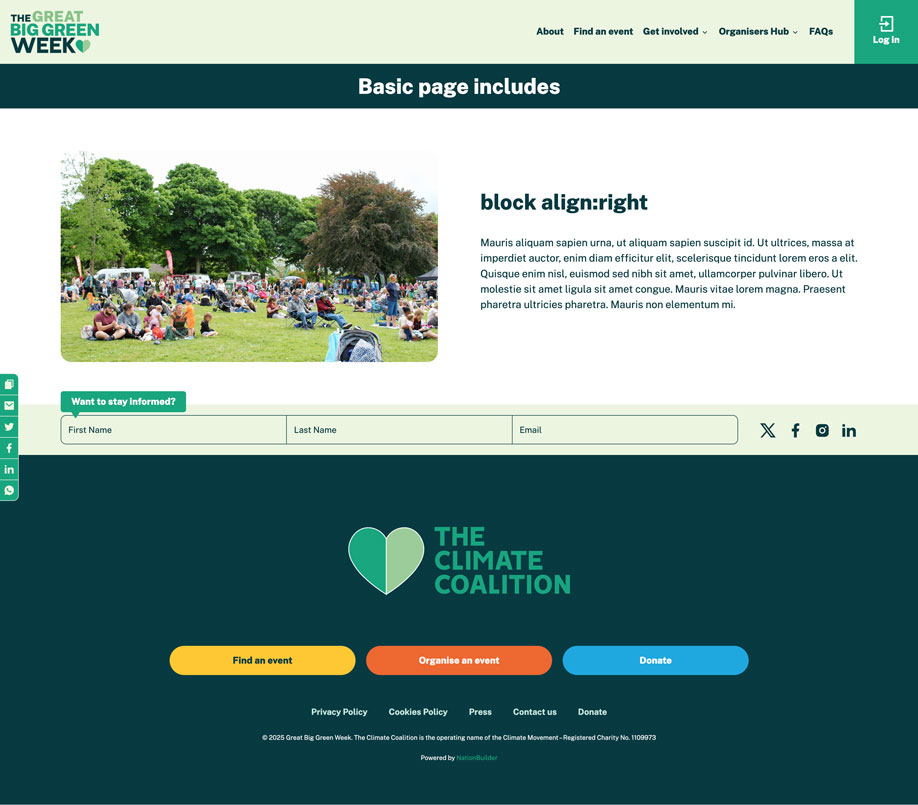
The include block will now appear on the landing page with the text on the right and the image or form on the left. Below is an example showing this: