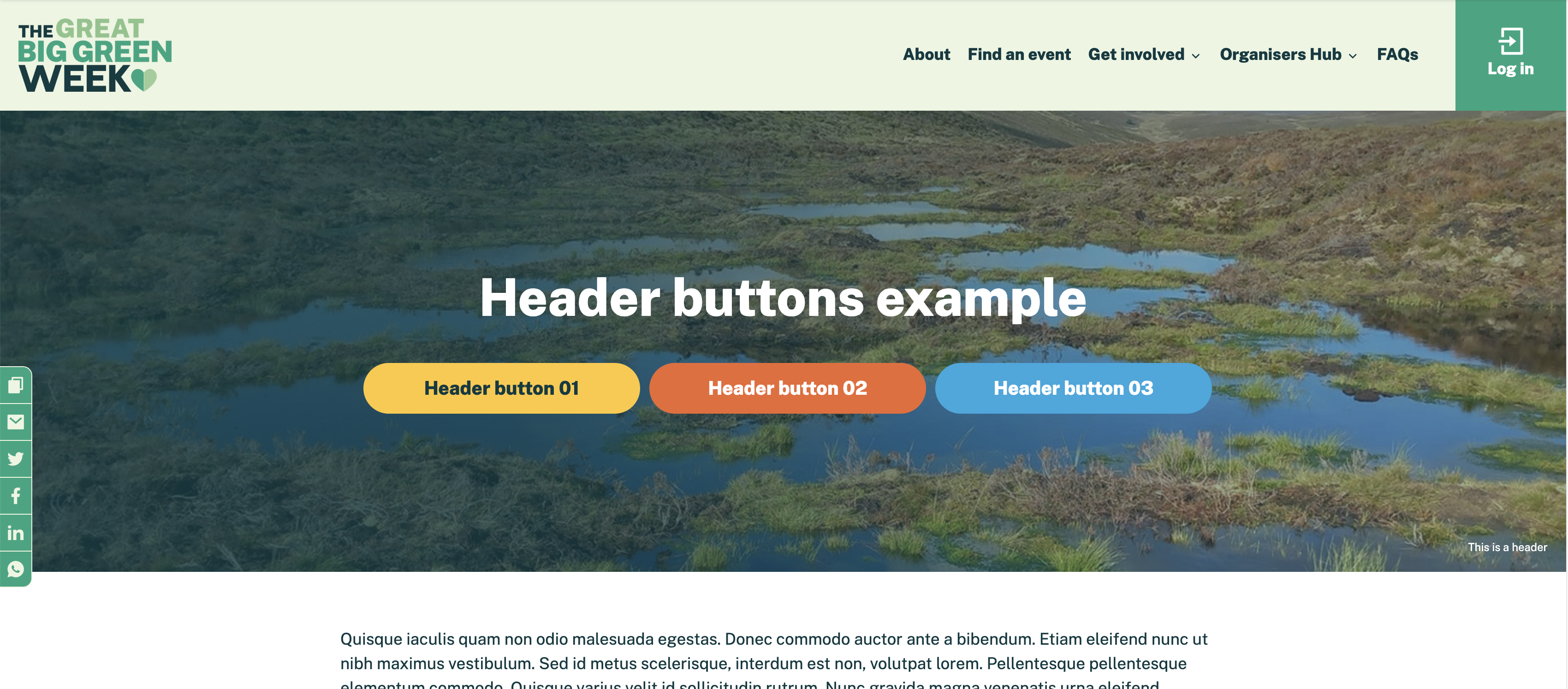
Adding custom buttons
You can add up to three 'Call to Action' buttons to a the header section of a page by doing the following:
- Go to the page you want to add the buttons to in the dashboard.
- Add a tag with the structure 'header button [1,2or 3]:[slug or url to link to]'. So if I want to add button 1 to the header section with the slug 'about_us' the tag would be 'header button 1:about_us'.
- Save the page.
By default the button label will read 'Find out more' but you can change the label by appending '**' followed by the desired label to the tag. So for example, if I want my button to read 'About us' then the tag would be 'button 1:about_us**About us'.
Below is an image showing a page with all three buttons added: