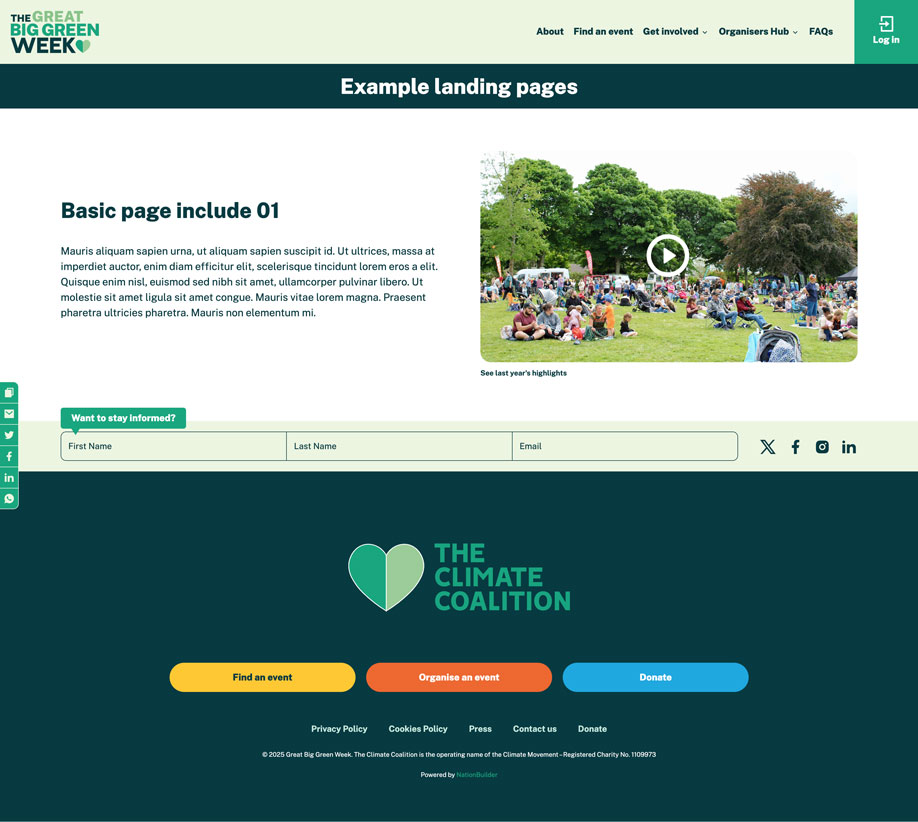
Adding a YouTube video popup to a basic page include
You can add a YouTube video pop up to a basic page include by doing the following:
- Go to the include basic page (for example if your include page is 'my_include_page' then this the page you need to edit).
- Add a tag with the structure 'video:[url fo YouTube video]'. So if you want the video located at https://youtube.com/my-video to appear in a pop up on click then the tag should be 'video:https://youtube.com/my-video'.
- Save the page.
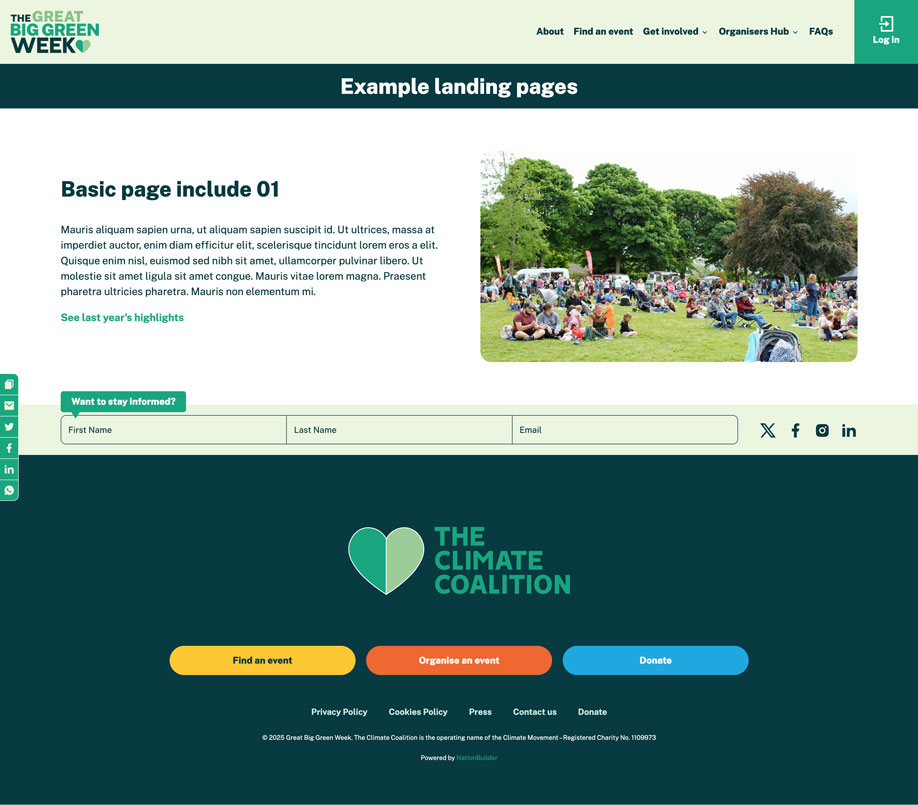
By default the link label for the video will read 'Watch the video', you can change this by appending '**' followed by the desired label to the tag. So for example, if I want my video link to read 'See last year's highlights' then the tag would be 'video:https://youtube.com/my-video**See last year's highlights'.
Below is an image showing a basic include with a video link added:

If the include has an image you can overlay the pop up click on that instead by adding the tag 'image video click':